I’ve made some good progress in my POD journey!
- Finished the Etsy set up process and I’m getting some views, but no sales so far.
- Got a rejection from Amazon Merch, but I was expecting that. You have to have a lot of followers, I think.
- Created more cute products using the techniques I have been learning which makes it much faster.
- Connected my products to eBay so they are now available on both Etsy and eBay.
- Learned something important about MONEY that I had missed. More on that later.
- Watched a few more videos on YouTube about POD, which is where I learned #5.
Etsy
To get set up on Etsy you will need to provide banking information and complete identity verification by taking a new photo of your identification (you can’t use a photo from your phone), and take a selfie. Then you are required to create a product. NOTE: If you are using Printify and are not yet connected to Etsy, don’t panic! You can create a product and then after your Etsy shop is open, you can go back to your Shop Dashboard and click the settings symbol (gear) on that product and deactivate it if you don’t want to keep it.
Product Creation
On Printify there are many options to choose on the product creation page. It is important to scroll down and choose the various options such as the Mockup photos. Always be sure to look at the product Preview to be sure that your design is positioned properly with no white areas showing or overlap. When you create your design make sure to use the right size. Printify is good about providing image size information.
Product Description
After you save your product you will go to the page to set your prices. Be sure to scroll to see the profit and production costs or you could end up selling too cheap. Unfortunately the production prices are not low.
Payments TO Printify
This is what learned by chance on YouTube. YOU will have to pay Printify directly for the products they make for you. Example: Someone places an order on Etsy and they pay Etsy. That order goes to Printify. You have to pay Printify for the order from the money that Etsy pays you. It’s not automatic! So you have to enter a payment method in Printify. You can add money to a payment account such as Paypal, or you can use a credit or debit card. When an order is received, Printify charges the user for the production cost of the product and shipping charges. If the user’s Printify balance doesn’t cover the total order cost, the remaining amount is charged to their card. So be careful to charge enough of a price to cover the cost.
Hope this helps someone! Let me know if you have some tips for me.
Check out my new products. https://catspringart.etsy.com The following items are available as well as others.
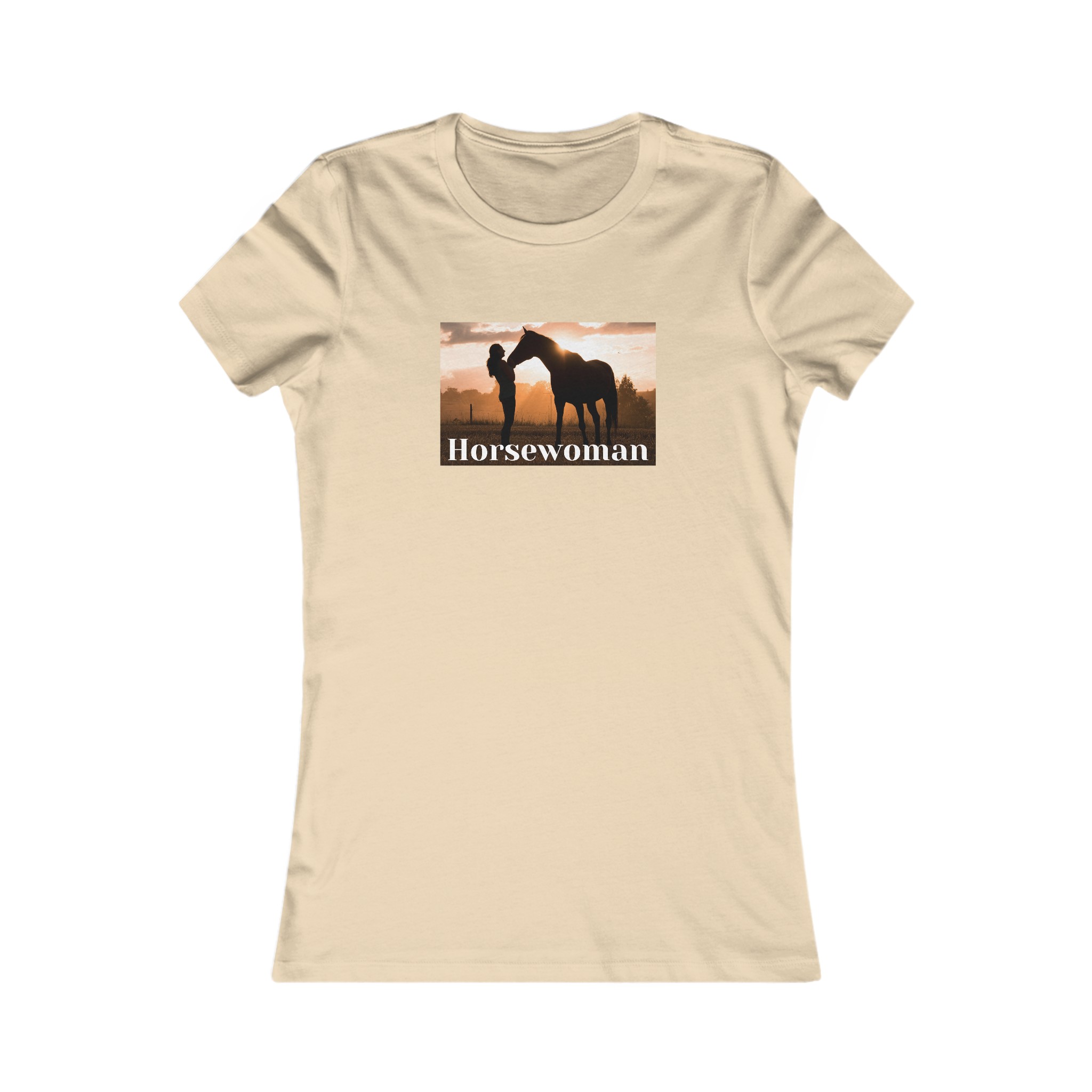

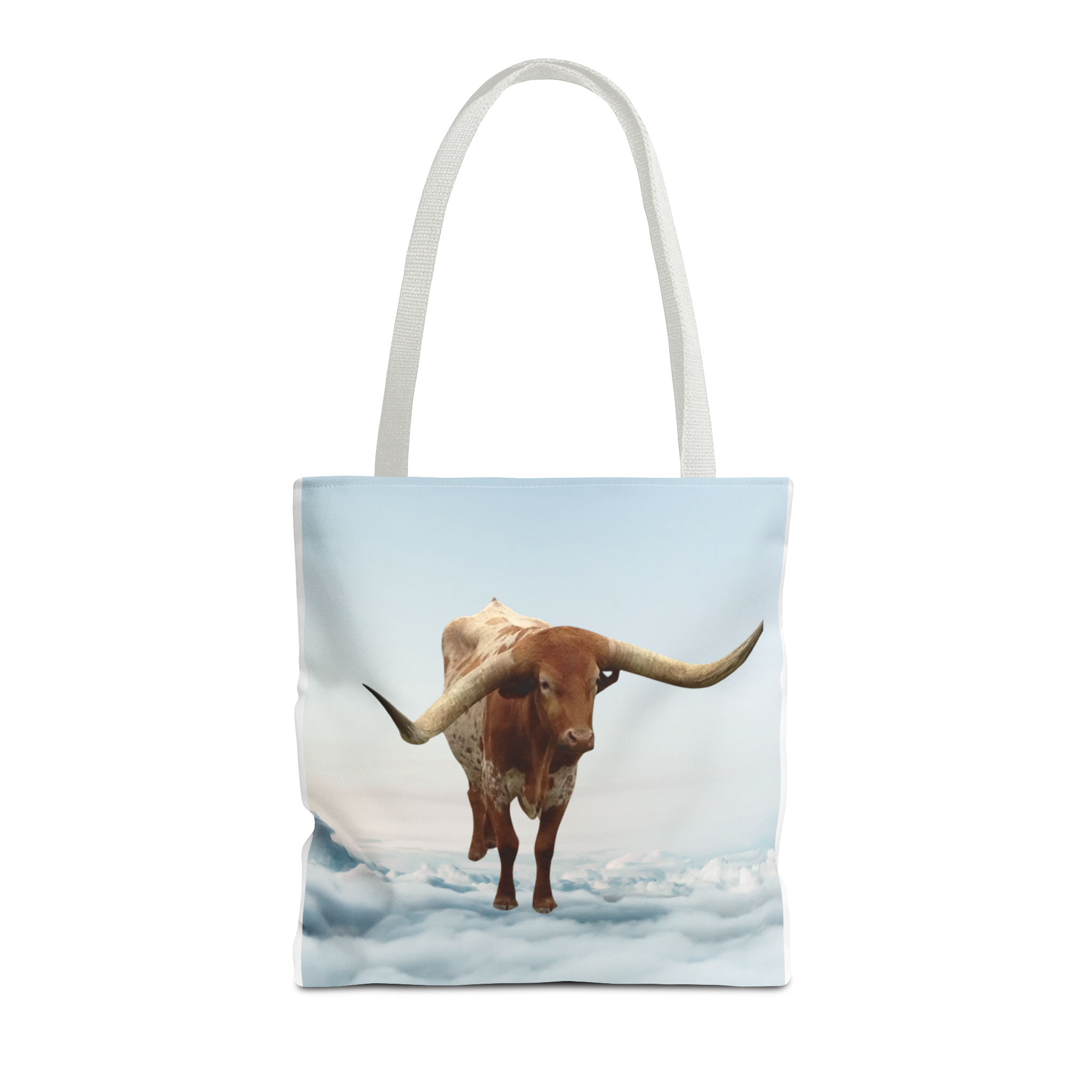

Well….it’s 9/3/2024 and guess how much money I’ve made selling Print on Demand through Printify? Negative $36! Yes, so far I have sold zero items and I have paid for a sample shirt and $10 in Etsy listing fees. That doesn’t count the $15 Etsy registration charge.
But I am not giving up yet. I’m still creating new items and I think they are getting better. I’m learning how to use Canva and also I have spent time researching the Print on Demand business model.
I’m still not too optimistic because what I have realized is that the competition is just extremely tough. I think people who do well at this live in other countries with lower production costs. Also I think Etsy is still best for actual handmade items.
But there is still hope for people with very unique ideas or those who are able to develop a following on social media that drives sales to your Etsy page. So far that is not me.
I’m still not willing to use Tik Tok or Instagram which is probably really hurting me. I also still don’t understand Pinterest! Just sharing that for those of you are looking to get more sales.
 Blue Skies and Green Pastures
Wishing you the best of luck, Paula! We have tried similar things in the past and had no luck, hopefully you have more than we did! We left Etsy when they wanted to directly link everything to the bank and all the other stuff, not for us 🙂 Currently working on Youtube projects, praying it works out. We are heading in the right direction, but keep praying 🙂 God Bless and I really, really hope this works out for you! Any extra money, especially when the budget is tight and small helps!!
Thanks! I’d love to see your YouTube projects!
We have a gaming channel (https://www.youtube.com/@drakenkinggaming), pet channel (https://www.youtube.com/@pitpatpetadventures),
and just started up a project for a children’s channel that we have worked on for a while, but had to abandon
(https://www.youtube.com/@enchantedfriends26). We haven’t done a whole lot with this one yet, but are trying to at least get this one going. We have been thinking about it for years, lol. Don’t really expect it to do much, just want to put something positive up.
We have been working on the pet channel for a while, but it just kind of died
😦 Still putting stuff up, but hoping the gaming channel works out. The best part is that everyone is contributing (I haven’t yet, but will at some point, lol) We are almost at the point of monetization, but it keeps stalling, lol. We are hoping to get there at some point soon even just to have a little extra a month would make a huge difference 🙂 Hope it’s ok that I posted these links here, if it isn’t, please feel free to take them down!! Hope you are making some progress!! God Bless!
That’s awesome! I’ll subscribe! I’ve made more products but no sales yet. Trying to figure out how.
“Connected my products to eBay so they are now available on both Etsy and eBay.”
How did you do this? Does Etsy have an integration with eBay?
Printify offers eBay integration. After you post your listing on Etsy, you can copy it with one click to eBay .
Interesting. Pretty cool that you can cross post to increase visibility of your products. Thanks!
You’re welcome! Just be careful to include eBay’s costs in your price.
The “Copy “ option is on the Printify “My Products” page, on the three dots menu next to each product.