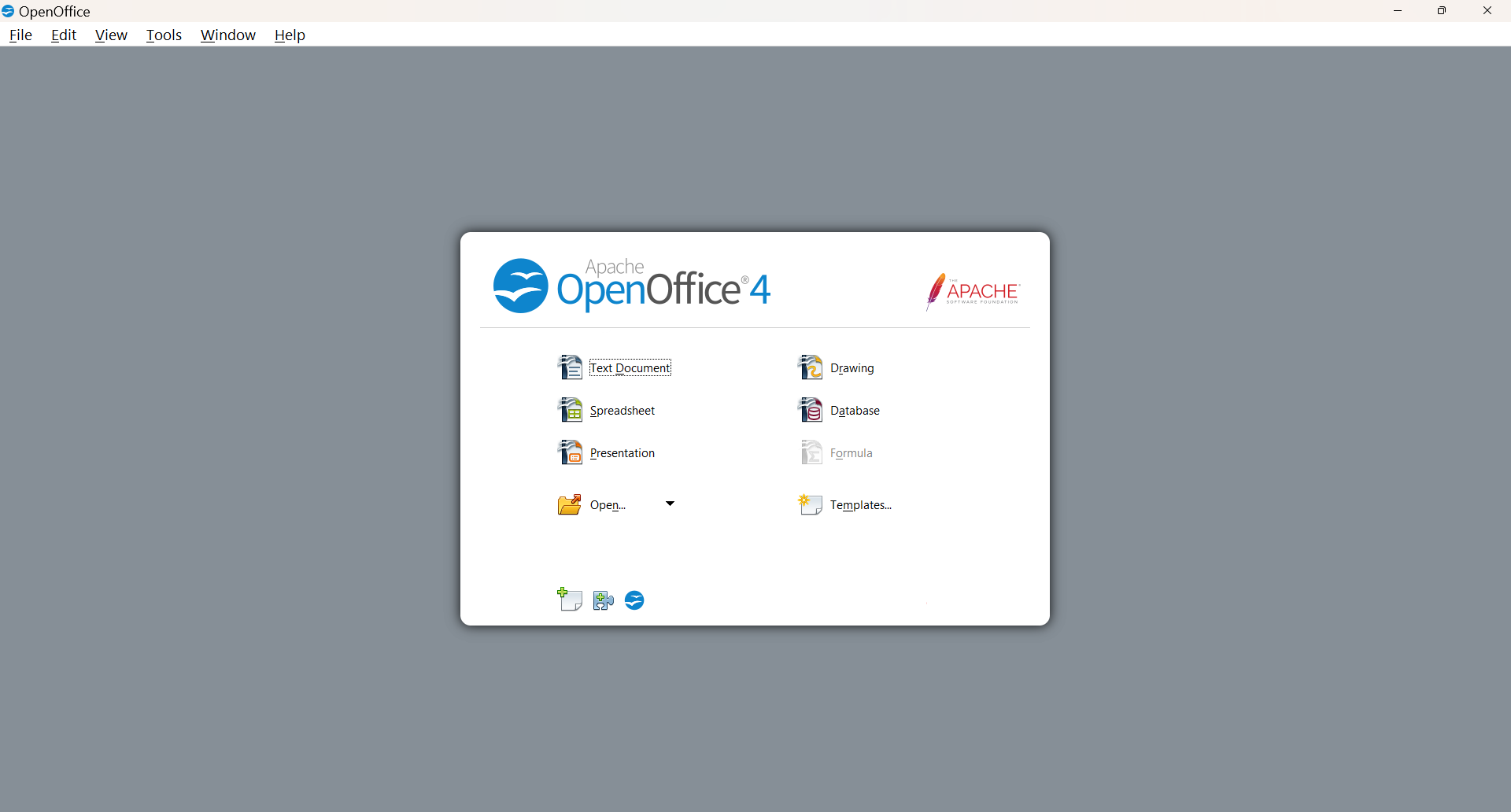
Is your Open Office 4 Missing the Text Document Option?
Here is the simple solution!
When you installed the app, you probably selected TYPICAL instead of FULL . You have to go back and install the Writer Module. Follow these steps.
- Go to your Settings in Windows. Be sure to exit Open Office.
- Click Apps.
- Click Installed Apps.
- Scroll to Open Office.
- Click the three dots.
- Click Modify.
- Click Next, then Modify.
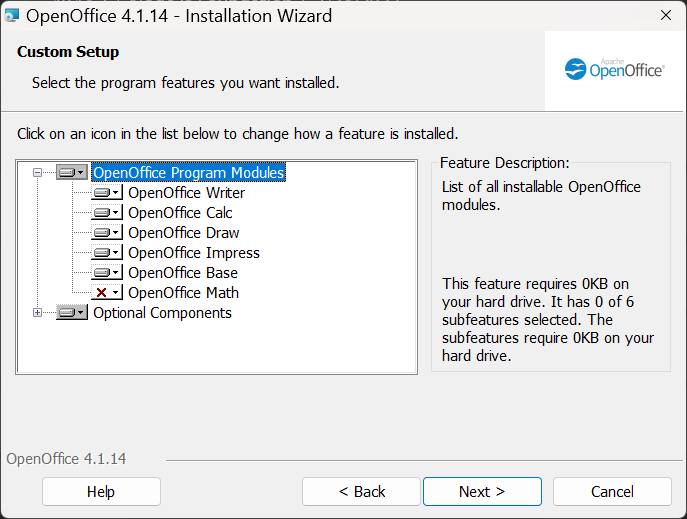
- On the Setup Screen, choose Writer and any other modules you want to install.
- Click to select the ones you want. If you see a red X, that means it is not installed.
- Then Next, then Install.
- That’s all !
Hope this helps!
 Blue Skies and Green Pastures
It’s against my religion to use anything but Word for documents. 😂
I don’t want to cause you to go against your religion! 😁